
Introduction
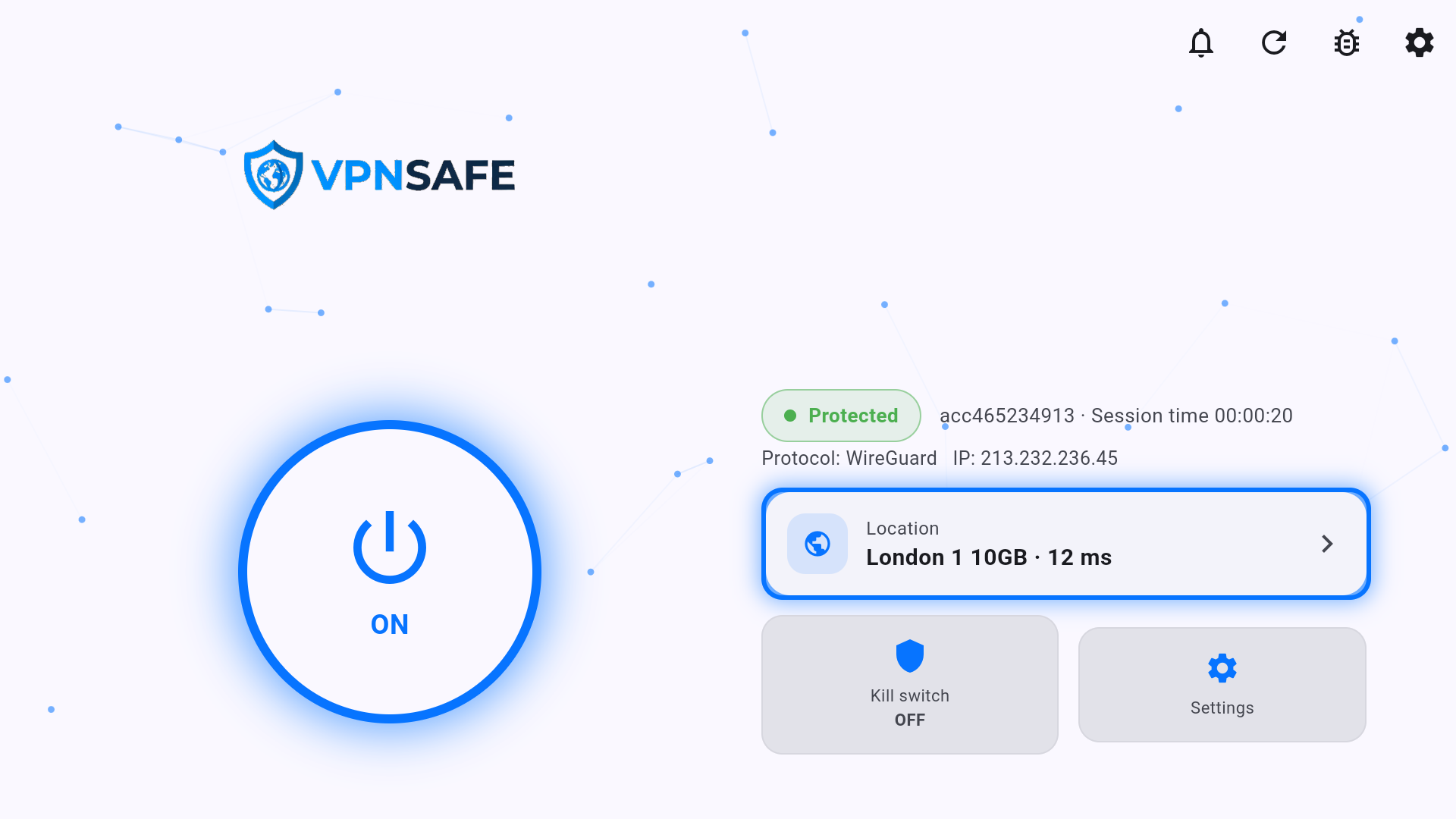
The Android TV app is a 10-foot version of VPN Safe: a large power button, location card, kill switch tile, and Settings. It runs on Android TV boxes and Fire TV (sideload the APK; Fire TV uses Downloader code 9802820).
Direct APK: vpnsafe.net/downloads/androidtv.apk.
Fire TV / Firestick (Downloader)
- On the Fire TV, install Downloader from the Amazon Appstore.
- Allow Downloader to install apps from outside the Appstore: Settings → My Fire TV → Developer options → Install unknown apps → Downloader → ON. If Developer options is missing, open About and click the Fire TV name seven times.
- Open Downloader and enter code 9802820. Wait for the APK to download.
- Tap Install and confirm when Fire TV asks to install VPN Safe.
- Open the app, sign in with your VPN username and password, and accept the Android VPN permission.
Other Android TV boxes
- Download vpnsafe.net/downloads/androidtv.apk in the TV browser. The install stays blocked until that app is allowed to install from outside the Play Store.
- Allow external sources: Settings → Apps → Special app access → Install unknown apps, select the browser or Files app, and turn on Allow from this source. Some devices put this under Security & restrictions.
- Go back to the download, tap Install, and confirm VPN Safe. Then open the app and sign in.
There is also a Firestick APK at vpnsafe.net/downloads/firetick.apk if you prefer a direct file. Paid plans allow up to 6 devices at once.


