
Introduction
On the TV home screen you connect with the power button, change city on the location card, and use the two tiles: Kill switch and Settings.
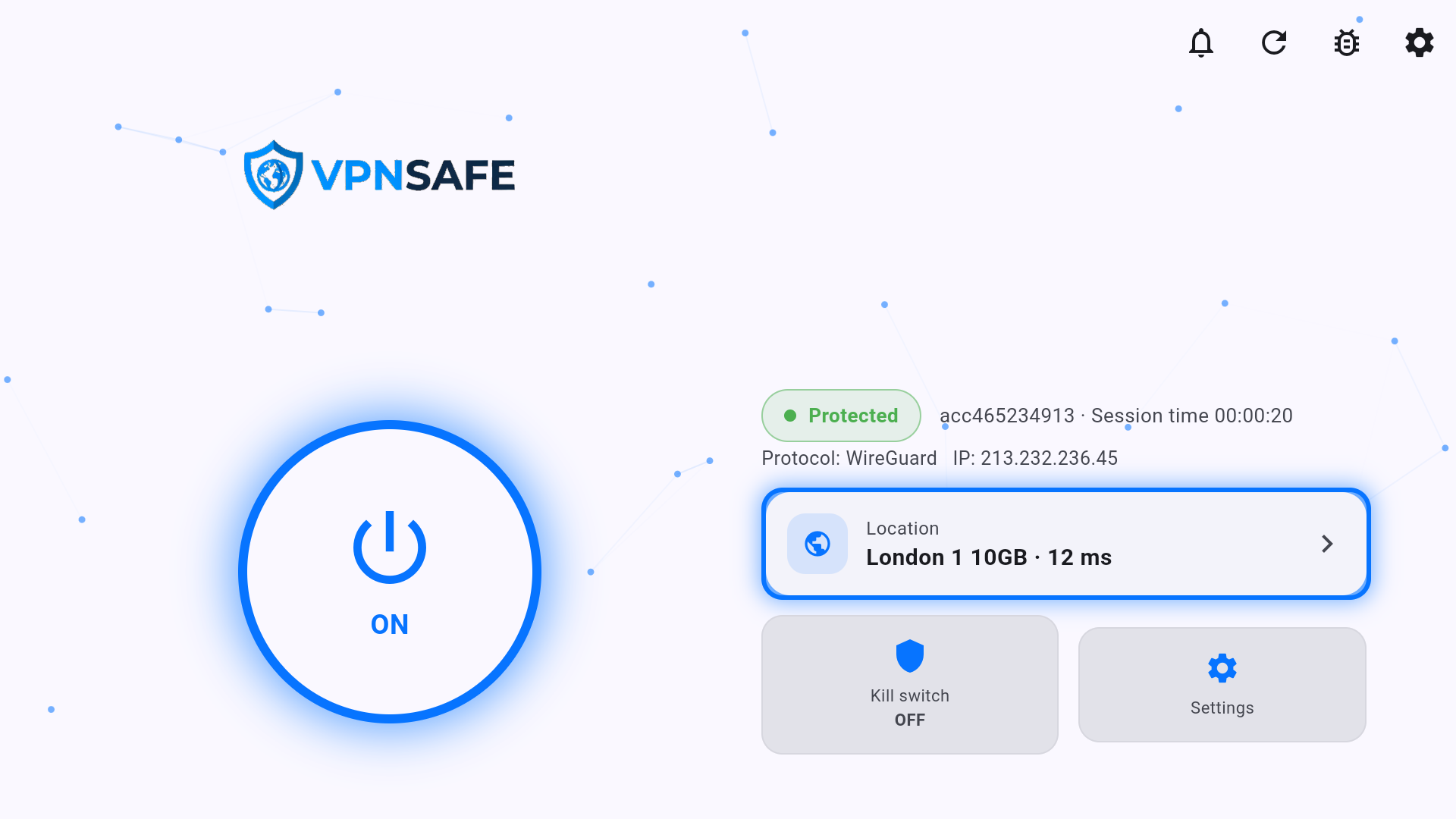
Connect
- Highlight the power button and press OK so it shows ON.
- Wait for Protected, protocol, VPN IP, and session time.
- The location card shows city, optional 10GB tag, and ping (example: London 1 10GB · 12 ms).
Kill switch on the TV
The kill switch tile on the home screen shows OFF or on. Turn it on before you start a film if you do not want the TV to fall back to your home IP when the VPN drops. Pair it with Settings > Auto-reconnect.
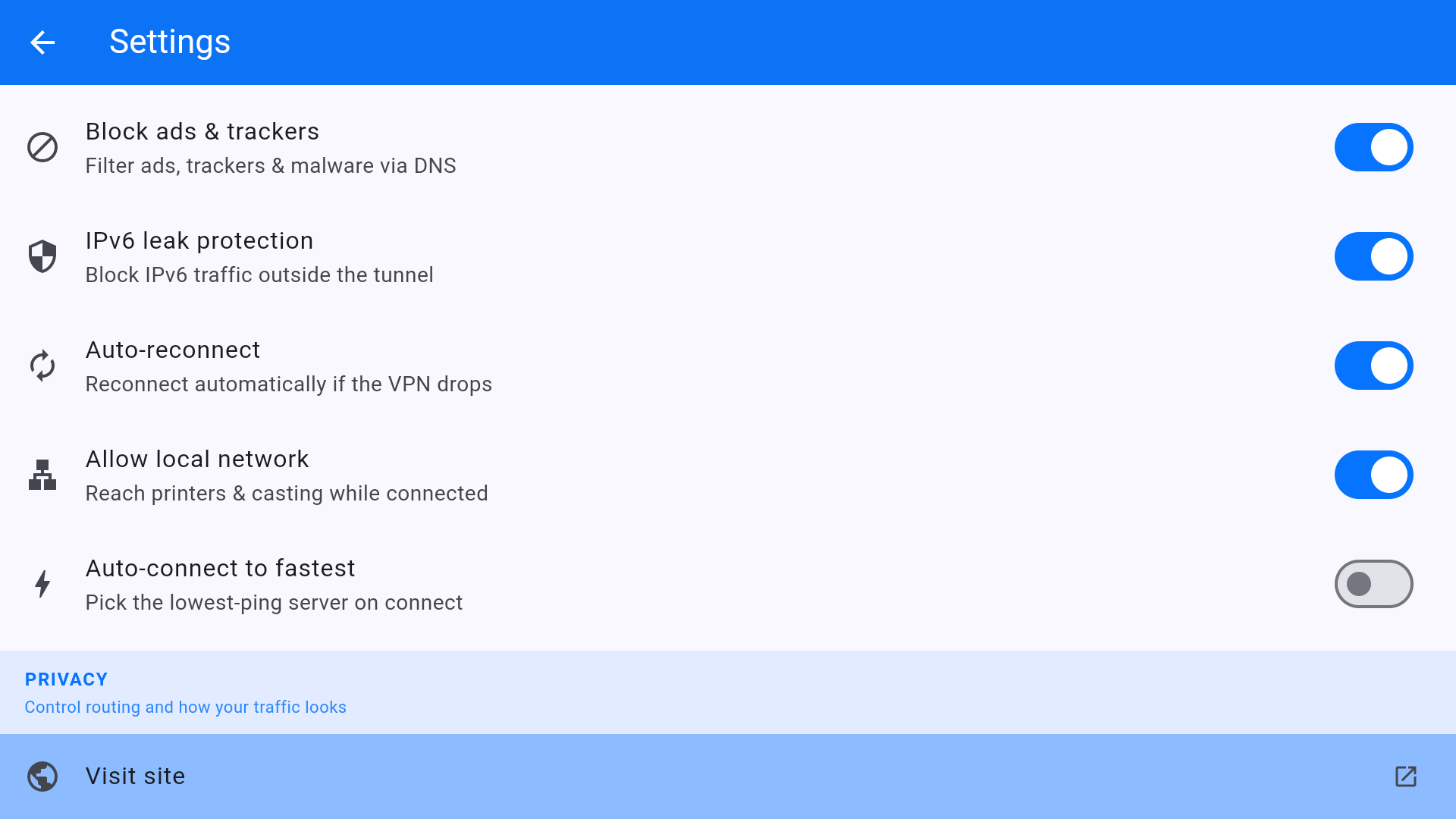
Protection settings on TV
Same switches as phone and Windows: Block ads & trackers, IPv6 leak protection, Auto-reconnect, Allow local network (needed for some local casting), Auto-connect to fastest. Visit site under PRIVACY opens vpnsafe.net from the TV.
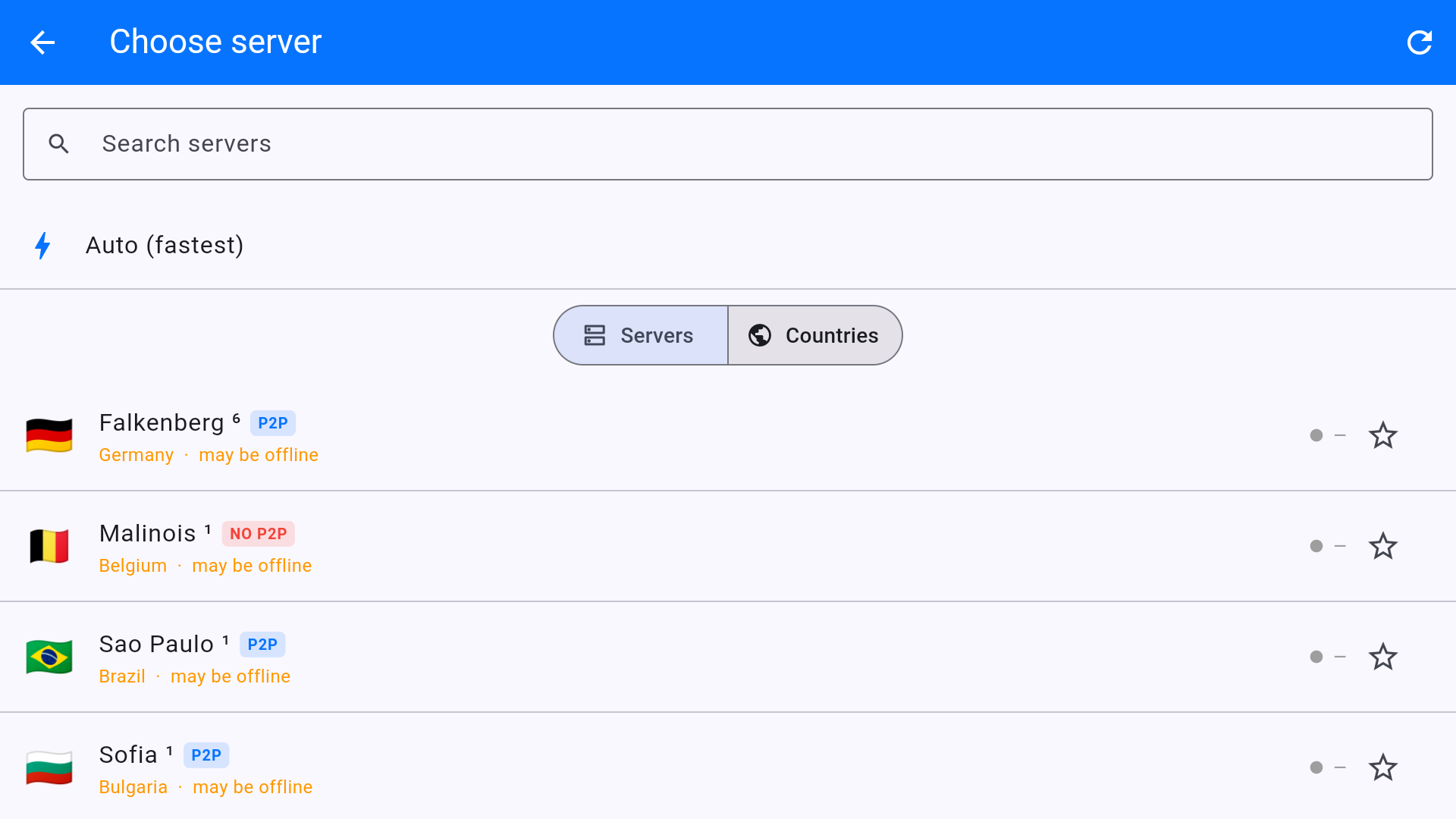
Choose server supports search, Auto (fastest), Servers/Countries, P2P / NO P2P badges, and may be offline when a node is not answering pings. Skip offline rows and pick a P2P 10GB city for heavy streaming.


